


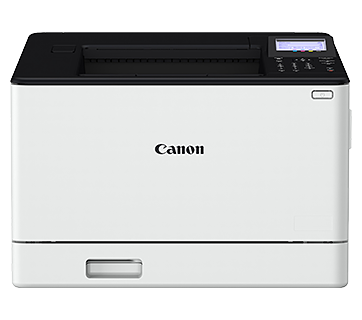




The Paper indicator of the printer is blinking.
Issue
Cause and Solution
Blinks when paper is run out or cannot be fed properly. Press  (Paper key) to resume the job after loading paper or removing jammed paper.
(Paper key) to resume the job after loading paper or removing jammed paper.For details on the procedures for loading paper or removing paper jams, see Related Information at the end of this page.
See Related Information about the following title(s) at the end of this page as needed.
- Indicators on the printer
- How to load plain paper, heavy paper, labels or transparencies in the multi-purpose tray
- How to load an envelope in the multi-purpose tray
- How to load plain paper, heavy paper, a label, or transparency in the manual feed tray
- How to load an index card in the manual feed tray
- How to load an envelope in the manual feed tray
- How to remove a paper jam