




PIXMA G1730
PIXMA G1730
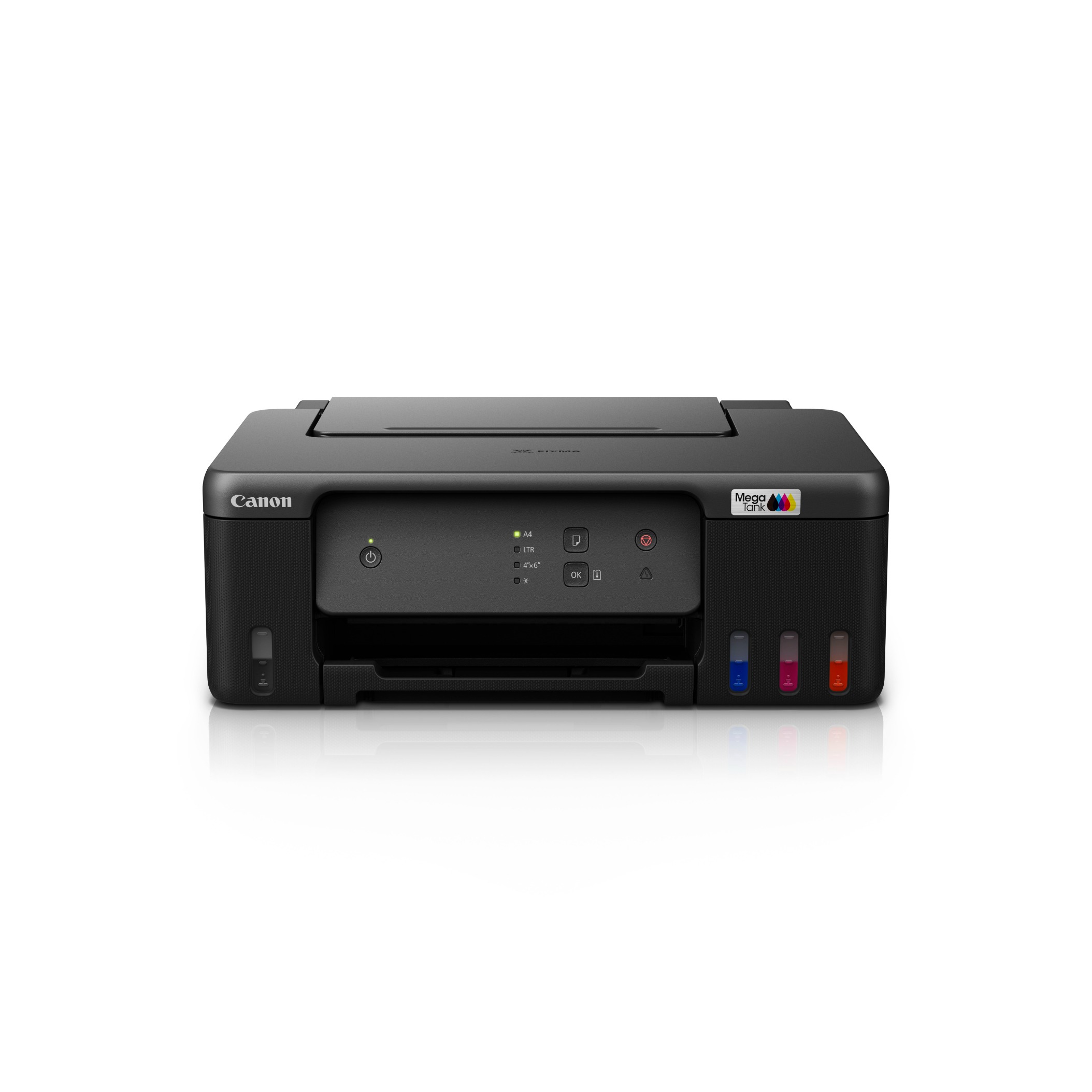
PIXMA G1730
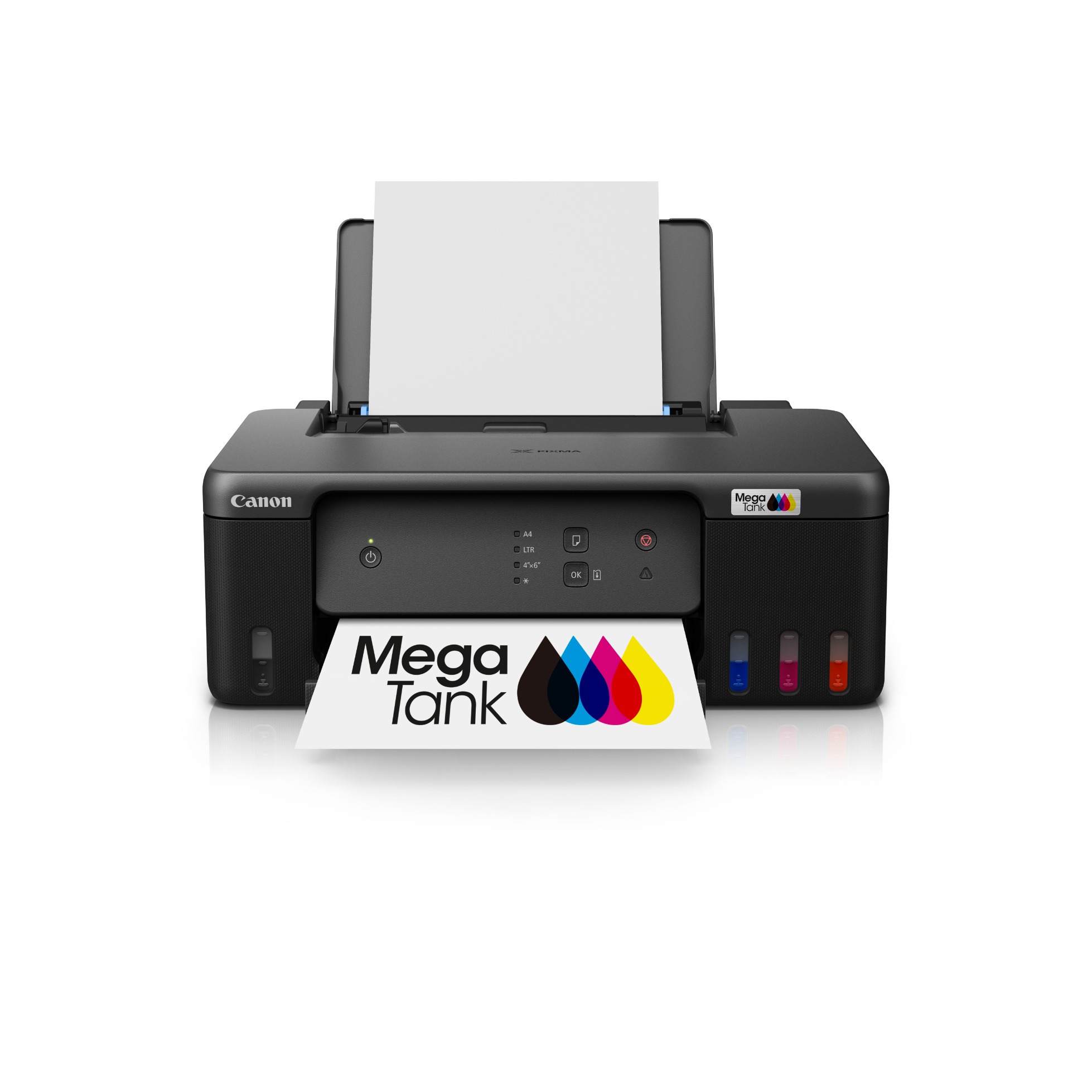
This high performance printer combines low-cost printing with easy operation and maintenance, alongside being compatible with small ink bottles for greater cost efficiency.
Promotion
Key Features
Features
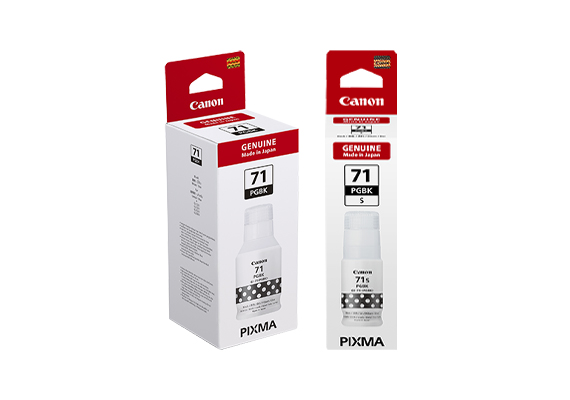
Inbox Small Ink Bottles
Small and standard ink bottles are available to meet the different requirement in print volume.
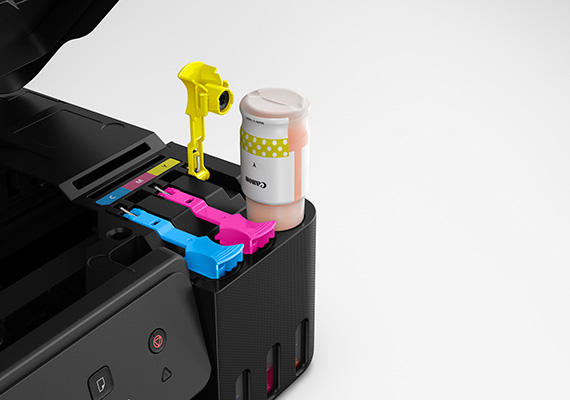
Easy, Hassle-free Ink Refilling
Ink refill is now made easy. Each ink bottle nozzle is designed to fit seamlessly only into the designated ink tank, eliminating potential mixing accidents.
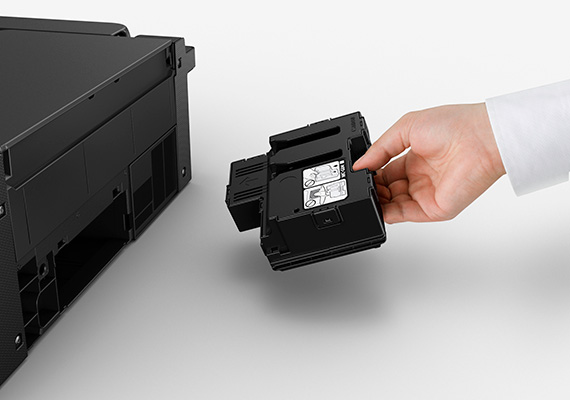
Easy Maintenance
The easy-to-replace maintenance cartridge makes maintenance fuss-free and extends printer lifespan even when printing in high volumes.
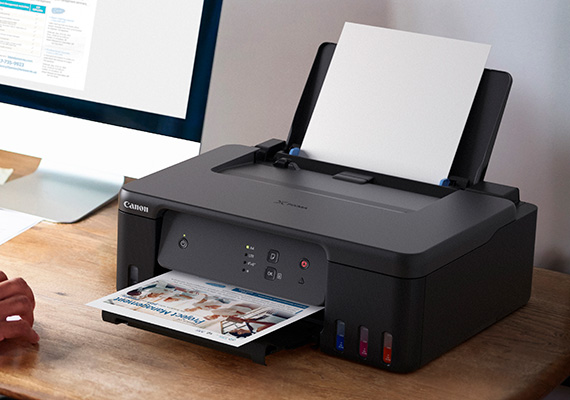
Compact, Space Saving Footprint
The printer’s compact footprint allows it to fit into tight spaces with ease.
Related Pages
Related Consumables
Ink/Ribbon/Print Head
|
Product Name
|
Page Yield
|
Product Type
|
Price
|
|
GI-71 C (Cyan)
|
7700
pages
|
Ink Bottle
|
|
|
GI-71 M (Magenta)
|
7700
pages
|
Ink Bottle
|
|
|
GI-71 PGBK (Pigment Black)
|
6000
pages
|
Ink Bottle
|
|
|
GI-71 Y (Yellow)
|
7700
pages
|
Ink Bottle
|
MRP Rs. 695.00/U
inclusive of all taxes
|
|
GI-71S C (Cyan)
|
4400
pages
|
Ink Bottle
|
|
|
GI-71S M (Magenta)
|
4400
pages
|
Ink Bottle
|
|
|
GI-71S PGBK (Pigment Black)
|
3100
pages
|
Ink Bottle
|
|
|
GI-71S Y (Yellow)
|
4400
pages
|
Ink Bottle
|
|
|
MC-G04
|
Maintenance Cartridge
|
||
|
BH-70 (Black)
|
Print Head
|
||
|
CH-70 (Colour)
|
Print Head
|
Disclaimer
- 01. Page yields may vary depending on content coverage, print settings, temperature, humidity, and frequency of printing.
- 02. For ink bottle, the declared yield value is the estimated value based on Canon individual test method using the ISO/IEC 24712 colour chart and continuous printing simulation with the replacement ink bottles after initial setup. The colour yield is based on 1 set composite colour bottles.
-
03. For ink cartridge, the declared yield value is in accordance with ISO/IEC 24711, using the ISO/IEC 24712 colour chart. Values obtained by continuous printing.
Click here for more information
Paper/Specialty Media
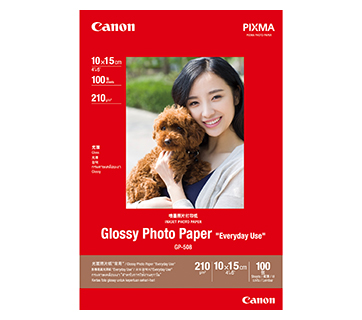
100 N
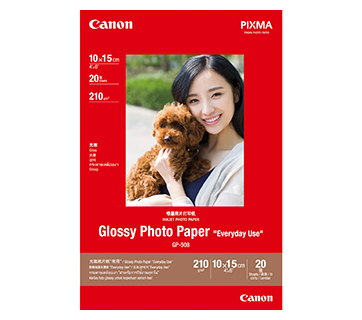
20 N

20 sheets
GP-508 Glossy Photo Paper
- Economical
- Good Photo Results
- Glossy Finish. Vibrant Colour.
- Grammage - 210g/m2
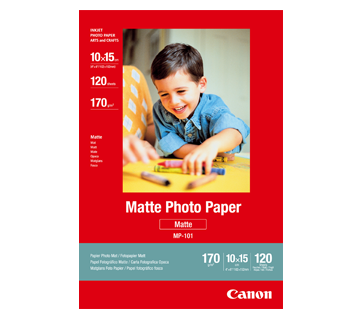
120 sheets
MP-101 Matte Photo Paper
- Non-reflective surface
- Ideal for craft making, greeting cards and scrapbooking
- Colours last up to 15 years
- Grammage – 170g/m2
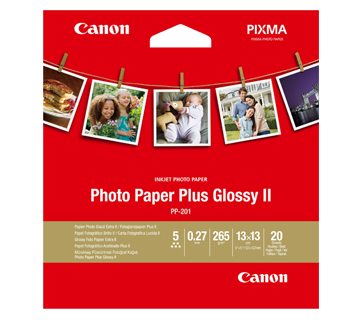
20 N
PP-201 Photo Paper Plus Glossy II
- Excellent photographic result
- Glossy finish, vibrant colour
- Looks and feels like a traditional photograph
- Colours last up to 30 years
- Grammage - 265g/m2 (3.5 x 3.5”)
Grammage - 275g/m2 (A3, A3+)
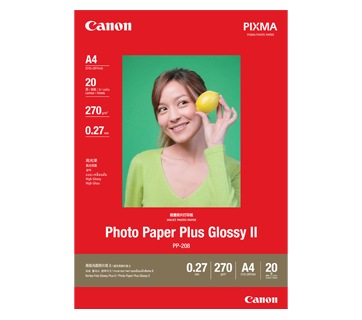
Specifications
Print Head / Ink |
|
Number of Nozzles |
Total 1,792 nozzles |
Ink Bottles (Type / Colours) |
GI-71
|
Maintenance Cartridge |
MC-G04 |
Maximum Printing Resolution |
4,800 (horizontal)*1 x 1,200 (vertical) dpi |
Print Speed*2 (Approx.)
Based on ISO/IEC 24734
|
|
Document (ESAT / Simplex) |
11 / 6 images per minute (mono/colour) |
Document (FPOT Ready / Simplex) |
9 / 14s (mono/colour) |
Photo 10.16x 15.24cm (4 x 6in) (PP-201 / Borderless) |
45s |
Printable Width |
Up to 203.2mm (8in)
|
Print Margin |
|
Borderless Printing |
Top/Bottom/Left/Right margin: 0 mm |
Bordered Printing |
Envelopes (COM10, DL):
|
Supported Media |
|
Rear Tray |
Plain Paper (64 - 105 g/m² (gsm))
|
Paper Size |
|
Rear Tray |
A4, A5, A6, B5, LTR, LGL, Executive, Oficio 2,
|
Paper Size (Borderless)*3 |
A4, B5, LTR, 10.16x 15.24cm (4 x 6in), 12.7x 17.78cm (5 x 7in), 17.78x 25.4cm (7 x 10in), 20.32x 25.4cm (8 x 10in), Square (89 x 89 mm, 127 x 127 mm), Card Size (91 x 55 mm) |
Paper Handling (Maximum Number) |
|
Rear Tray |
[Plain Paper (A4/LTR)]
[Photo Paper, 10.16x 15.24cm (4 x 6in)] Photo Paper Plus Glossy II (PP-208): 10
|
Paper Weight |
|
Rear Tray |
Plain Paper: 64 - 105 g/m² (gsm)
|
Ink End Sensor |
Dot count type |
Print Head Alignment |
Manual |
System Requirements*4
Windows 11 / 10 / 8.1 / 7 SP1
|
General Specifications
Interface |
USB 2.0 |
Operating Environment*5 |
|
Temperature |
5 - 35°C |
Humidity |
10 - 90% RH (no dew condensation) |
Recommended Environment*6 |
|
Temperature |
15 - 30°C |
Humidity |
10 - 80% RH (no dew condensation) |
Storage Environment*5 |
|
Temperature |
0 - 40°C |
Humidity |
5 - 95% RH (no dew condensation) |
Quiet Mode |
Available |
Acoustic Noise (PC Print) (Approx.) |
|
Plain Paper (A4, Mono)*7 |
49 dB(A) |
Power |
AC 100 - 240 V, 50/60 Hz |
Power Consumption (Approx.) |
|
OFF |
0.1 W |
Standby (scanning lamp is off)
|
0.6 W |
Copying*4
|
15 W |
Duty Cycle |
Up to 3 000 pages/month |
Dimensions (WxDxH) (Approx.) |
|
Factory Configuration |
416 x 330 x 146 mm |
Output / Trays Extended |
416 x 557 x 267 mm |
Weight (Approx.) |
4.6 kg |
Page Yield
Plain Paper (A4 pages)
|
Standard:
|
| Photo Paper (PP-201, 10.16x 15.24cm (4 x 6in))
(ISO/IEC 29103 test file)*9 |
Standard:
GI-71 PGBK: NA*12 GI-71 C, M, Y: 2,200 GI-71S PGBK: NA*12 GI-71S C, M, Y: 1,200 |
- Ink droplets can be placed with a pitch of 0.000529167cm (1/4 800in) at minimum.
- Document print speeds are the average of ESAT (Word, Excel, PDF) in Office Category Test for the default simplex mode, ISO/IEC 24734.
Photo print speed is based on the default setting using ISO/JIS-SCID N2 on Photo Paper Plus Glossy II and does not take into account data processing time on host computer.
Print speed may vary depending on system configuration, interface, software, document coplexity, print mode, page coverage, type of paper used etc. - The following media or paper types do NOT support borderless printing: Envelope, High Resolution Paper, T-Shirt Transfer, Photo Stickers.
- Please visit https://asia.canon/en/support to check OS compatibility and to download the latest driver updates.
- The performance of the printer may be reduced under certain temperature and humidity conditions.
- For the temperature and humidity conditions of papers such as photo paper, refer to the paper's packaging or the supplied instructions.
- Acoustic Noise is measured based on ISO7779 standard with default setting.
- When copying ISO/JIS-SCID N2 (printed by inkjet printer) on A4 size plain paper using default settings.
- The page yield (A4 size) is based on the consumption data from the succeeding ink bottle but not the first ink bottle. Page yield is the estimated value based on Canon individual test method using the ISO/IEC 24712 chart under ideal print conditions & continuous printing simulation with the replacement after initial setup. Mentioned print yield is from the replacement set of 4-ink bottles (C/M/Y/BK). Black bottle contains 70ml ink and each colour bottle contains 40ml of ink. Page yield varies significantly depending on contents printed and other factors.
- Based on 1 set of replacement colour ink bottles after the completion of the set inside the box
- Published highest yield is achievable based on Standard ink bottle and printing on Economy mode. The Economy mode reduces the ink consumption by lowering the density. More pages can be printed by using this mode.
- Black ink is not used when printing under this condition. However, a minimal amount of black ink is used for maintenance purpose.
Disclaimers
|
Where To Buy / Service
TCO Calculator
Photo Library
Product Disclaimer
- 01. Prices, specifications, availability and terms of offers may change without notice.
- 02. Products / Services may be manufactured by and/or supplied to us by third party manufacturers / suppliers for distribution / resale (non-Canon brand products).
- 03. Prices above are maximum retail price (MRP) and may change without prior notice.
Disclaimer
- 01.Prices, specifications, availability and terms of offers may change without notice.
- 02.Products / Services may be manufactured by and/or supplied to us by third party manufacturers / suppliers for distribution / resale (non-Canon brand products).
- 03.Prices above are maximum retail price (MRP) and may change without prior notice.
- 04.This calculator indicates the total cost of ownership based on the following calculation:
i. This projection is prepared as an estimate for illustration purposes only, based on assumptions derived from the user's own assessment of needs and forecasted usage. Actual cost of ownership may vary depending on the user's actual usage patterns, printing environment, maintenance cycles and other factors not considered in this calculation. - 05.Page yields may vary depending on content coverage, print settings, temperature, humidity, and frequency of printing.
- 06.For ink bottle, the declared yield value is the estimated value based on Canon individual test method using the ISO/IEC 24712 colour chart and continuous printing simulation with the replacement ink bottles after initial setup. The colour yield is based on 1 set composite colour bottles.
- 07.For ink cartridge, the declared yield value is in accordance with ISO/IEC 24711, using the ISO/IEC 24712 colour chart. Values obtained by continuous printing. Click here for more information